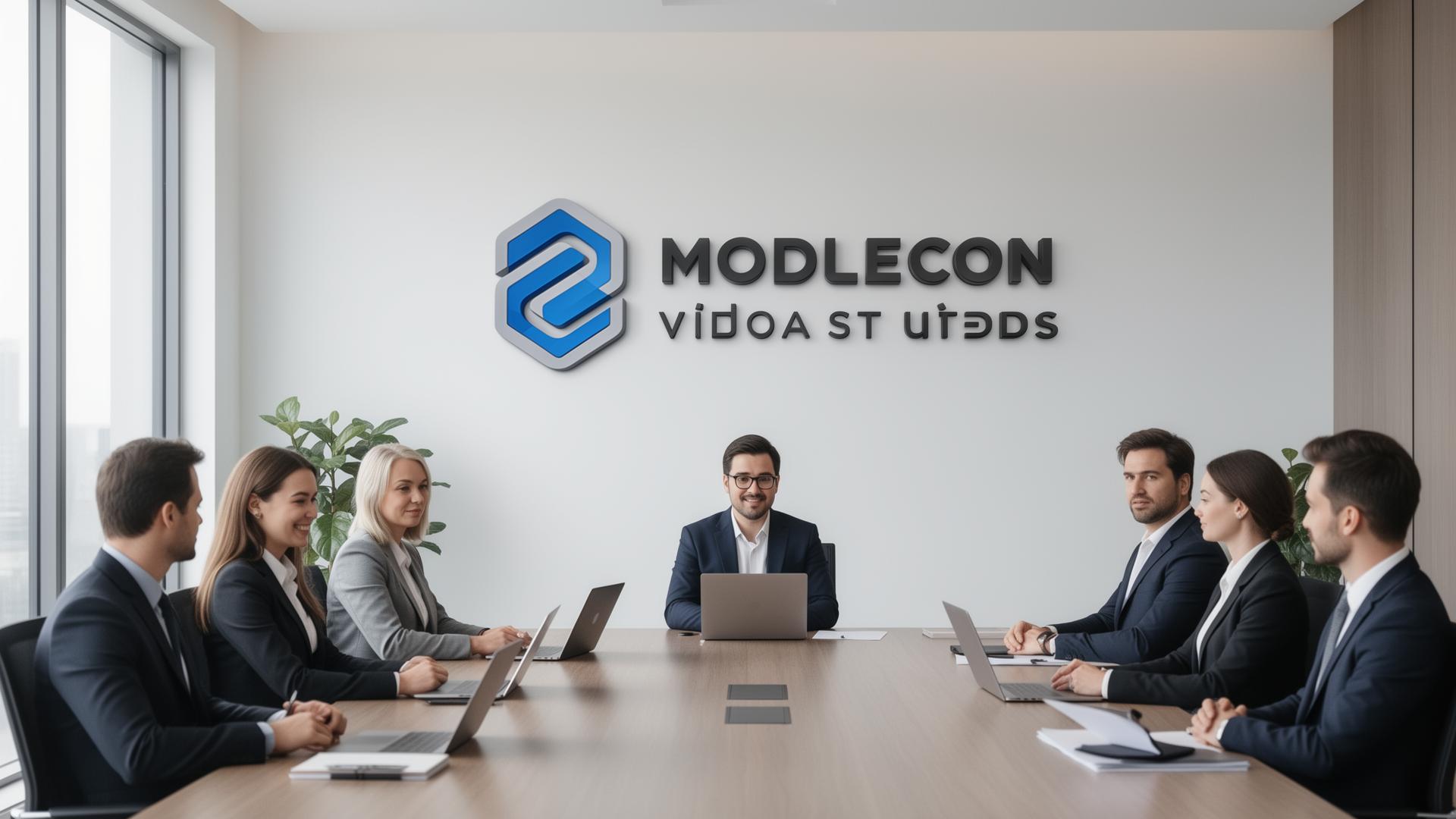
On a video call, people see two things: you, and whatever is behind you. You take calls from the kitchen, the spare room, a hotel. The person on the other side doesn't know that, but they see it.
This post is about what that background says, and why a real-looking office with your own logo on the wall is the easiest way to make it say the right thing.
What people see before you speak
In a meeting room, people take in the room, the reception, the sign by the door. On video, all of that shrinks to one rectangle: your face and the wall behind you. That wall does the job your office used to do.
Most of us don't choose it. We sit where the Wi-Fi works, and the background is whatever happens to be there: a bookshelf, a radiator, a door that someone might walk through.
What the usual options say
| Background | What it says |
|---|---|
| Your real room | Whatever is in it, including the laundry |
| Blur | "I'm hiding the room." It also smears your edges and looks like a filter |
| A plain wall | Nothing at all |
| A stock office | "I downloaded a background." People have seen the same photo before |
| A flat logo pasted on top | You tried, but it looks like a sticker, not a sign |
| A photoreal office with your logo as a 3D sign | The office you would have if you had one |
None of the first five is a disaster. They just waste the one thing on screen besides your face.
What a sign on the wall says
When the logo is part of the room, with depth, shadow and the same light as everything else, people read it as a real sign in a real office. They don't think "nice background". They think about the call, and your company's name sits behind you the whole time: in every screenshot, every recording, every "who was that again?" afterwards.
It also stays the same. Kitchen on Monday, hotel on Thursday: the room behind you doesn't change, so clients you meet every week see one consistent place.
Who gets the most out of it
- Consultants and freelancers who work from home or client sites. See backgrounds for consultants and for freelancers.
- Sales teams whose first call is the first time a prospect sees anyone from the company. See backgrounds for sales teams.
- Recruiters, because candidates are interviewing the company too. See backgrounds for recruiters.
- Lawyers, advisors and coaches, where a calm room matters more than a clever one. See lawyers, advisors and coaches.
How to make one
- Type your website. Wallogo finds your logo there, or you upload it yourself.
- Wait about 8 seconds. You get a photoreal office with your logo as a 3D sign on the wall.
- Make it yours. Change it in plain words: hang your family photo in the frame, add plants, evening light, Christmas. Every change is a new version.
- Keep the one you love. You get 5 free tries a day. Pay $4.99 once for full HD (1920×1080), no watermark, every version included. No account, no subscription. See pricing.
The link comes by email, so you can always get back to it.
Set it up
It's a 1920×1080 JPG, so it works anywhere you can set a custom background. The guides show where to click:
Frequently asked questions
Do I need a green screen?
No. Zoom, Teams and Google Meet replace your background without one on most modern computers. Good light from the front gives cleaner edges.
Will my logo look backwards?
Only to you. Most apps mirror your own preview, but everyone else sees the logo the right way round. Don't flip the image.
What if I don't have a logo?
You can continue without one and get the office on its own.
More answers are in the FAQ.